
Payments and invoicing made easy for your business. Download the free Autobooks app in the Google Play™ Store or Apple® App Store.
Get paid online with Autobooks.
Now, eligible Byline Bank small business customers can send and receive payments with Zelle®.
More convenient than cash and checks, Zelle®1, offers a fast, safe and easy way to receive payments from customers you trust, directly to your Byline Bank account.

Send an Invoice is a feature that allows you to send an invoice to a customer and collect payment electronically (credit card, debit card, bank transfer) for that invoice.
Accept a Payment is a feature that provides you with a unique payment link. This payment link leads to a payment form (displayed in a secure web browser). Your customers (or donors, if you have a nonprofit organization) complete the form to send you a payment (or donation) electronically. This feature is perfect for those businesses that need a flexible way to accept payments from customers yet don’t create invoices.
You must have access to Business Online Banking or Commercial Online Banking to enroll in either the Send an Invoice or Accept a Payment feature. The following types of businesses are great fits:
- Any business that sends a bill/invoice for its product or service.
- Service-based businesses.
- Nonprofits seeking to collect donations online.
With this feature, you can:
- Create professional, custom invoices and send them electronically or physically to your customers in seconds.
- Accept payments by credit card, debit card or bank transfer directly to your bank account.
- Keep track of which customer has paid you and how much.
With this feature, you can:
- Share your custom payment link everywhere you communicate with customers: via text message, email, on your business website and social media.
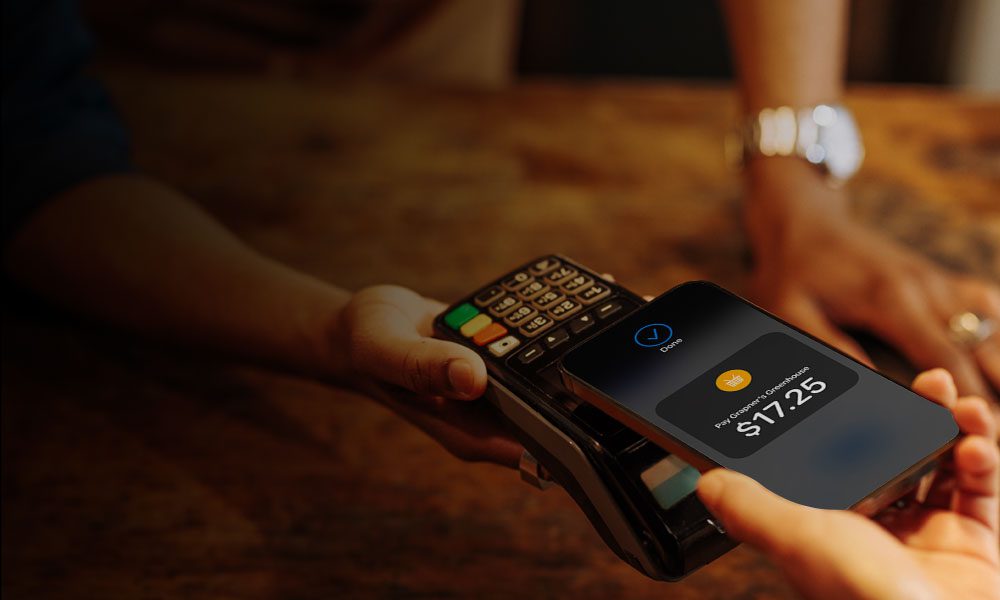
- Use the Accept Payment Mobile App (available for both Android and iOS) to collect payments when meeting with customers face to face.
- Accept payment by credit card, debit card or bank transfer directly to your bank account.
- Keep track of which customer has paid you and how much.
No. The features live completely inside of Byline Bank Business Banking or Commercial Banking.

Still have questions about Autobooks?
Our customer solutions team can help.